
Chingford and Highams Park voucher redemption guide for shops
Thank you for being one of the participating vendors for the Chingford and Highams Park 2020 Christmas gift voucher scheme.
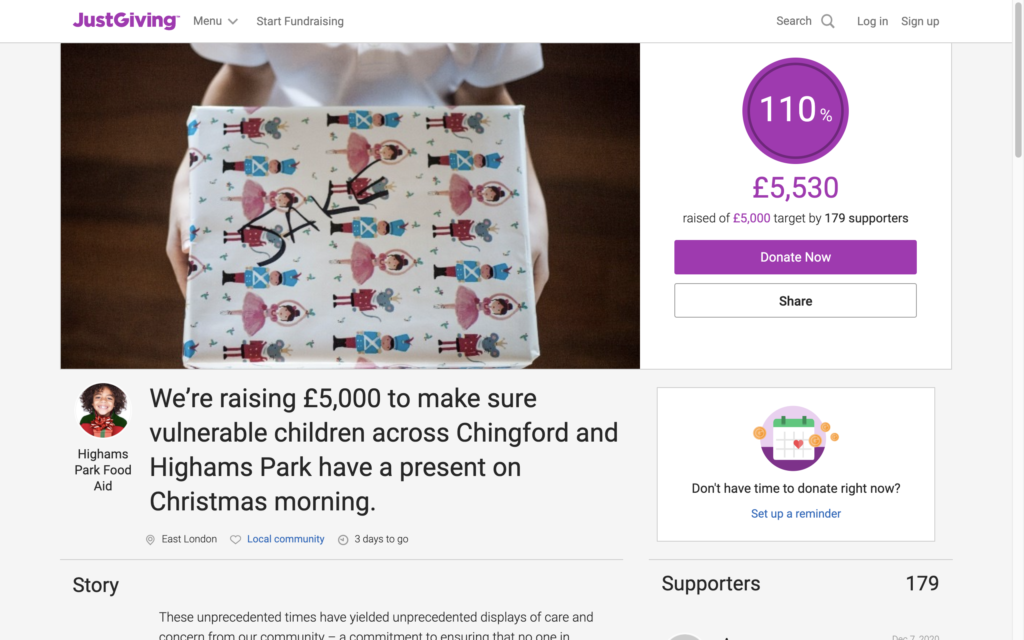
Over the past couple of months, we’ve raised over £5,000 to create gift vouchers for underprivileged children in the area. Each eligible child gets one voucher that can be used at one of the participating shops.

As you’re one of those shops, we’ve put together this short guide to help you understand how to redeem a voucher and award the discount. Here’s an example of one of the vouchers. You can see the QR code in the white square and the voucher code will be in the place of the ‘XXXXXXXXXXX’ near Santa’s elbow.
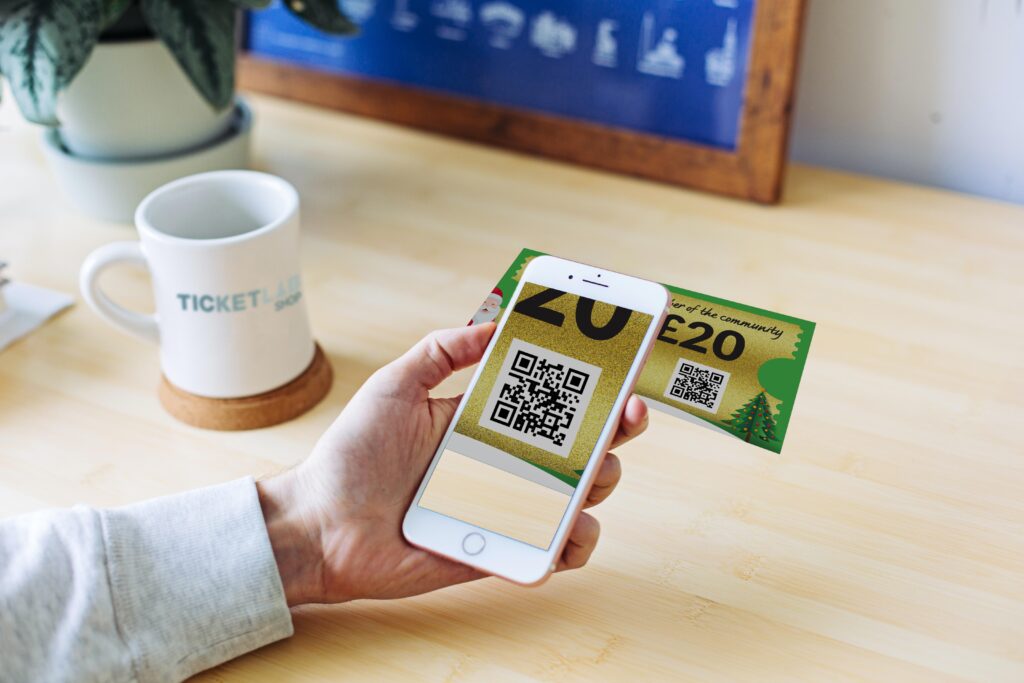
When a customer comes in with a voucher, they can claim up to £20 off the transaction price. The easiest way to accept the voucher is to use your smartphone and scan the QR code. Both iPhones and Android phones have built in QR scanners these days, and you should find that simply pointing your camera app at the QR code will give you the option to open a web link.
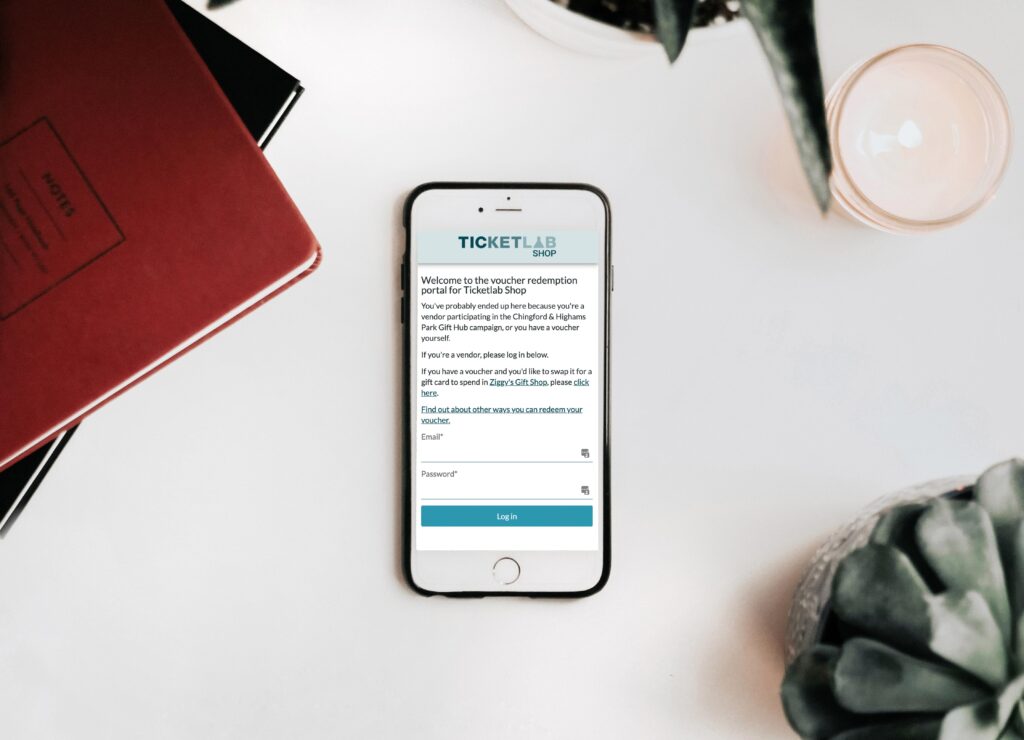
Opening that web link will show you this screen. Please use the login details that Ticketlab provided you with to login. The site remembers if you’ve logged in previously, so you only need to do this once per device unless you log out or clear your cookies.
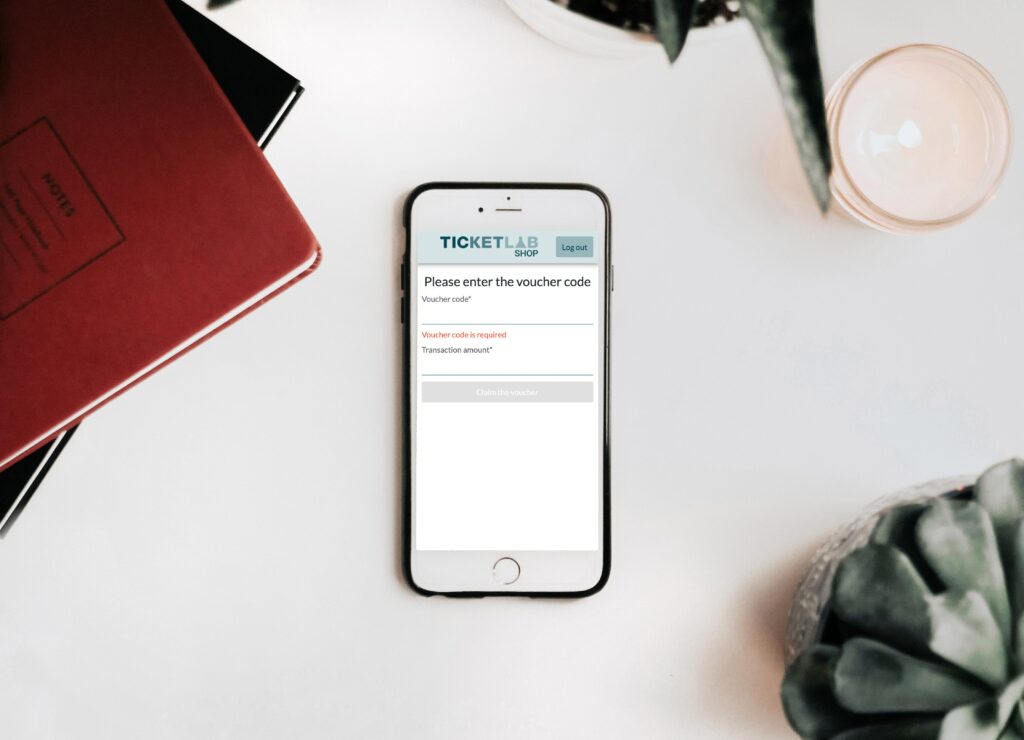
As you scanned the QR code, the voucher code field above will be automatically pre-filled and you can now enter the transaction amount. Whatever the total amount of the goods (whether this is higher or lower than £20), please enter that here. If the transaction is less than £20, no balance should be given to the customer. If the transaction is for more than £20, please charge the customer the difference. Please bear in mind we will only transfer you £20 per voucher. Vouchers are per child, so a family may have more than one voucher. If you’re presented with multiple vouchers, please process each voucher as a separate transaction.
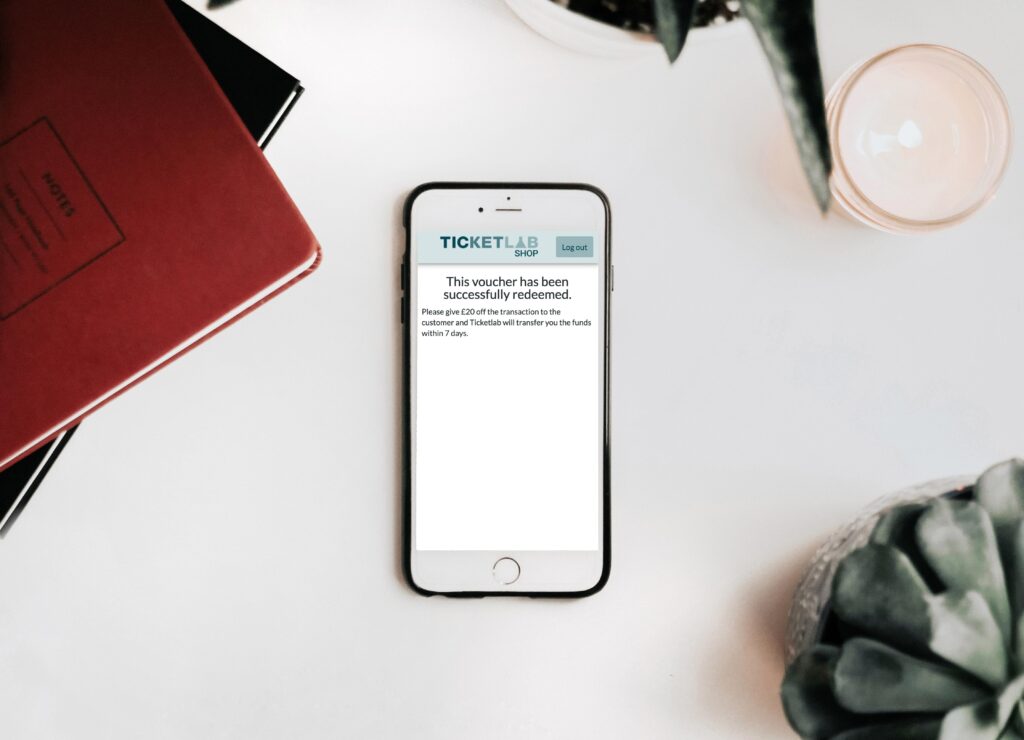
This screen shows that the voucher was recognised and valid. If you get an error, it should explain what went wrong. If the voucher has been used already or the code isn’t valid, please don’t accept the voucher as we won’t be able to reimburse you. Please take the voucher from the customer and keep it. There’s no need to log out or do anything else to confirm at this stage: you can simply close the browser window or app and finish the sale.
If you haven’t got a smartphone to hand or can’t get the QR code to work for any reason, you can visit voucher.ticketlab.shop on any device, login and enter the voucher code manually.If you run into any issues, please email riley@ticketlab.co.uk.